CSS フィルタージェネレーター
CSS filter プロパティ(blur、brightness、contrast、saturate、hue-rotate など)をビジュアルで調整。画像でプレビューして CSS をコピー。
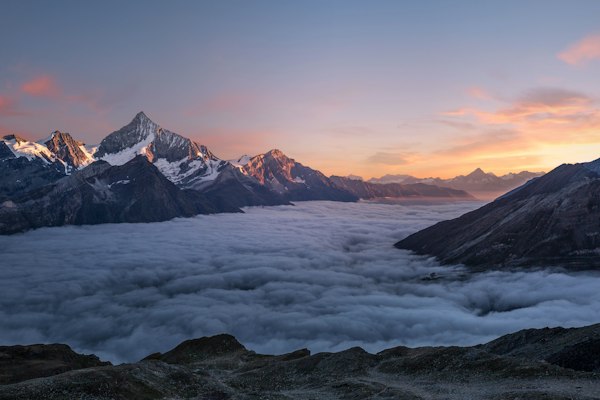
出力 CSS
When to use CSS Filter Generator
Compose a CSS filter declaration and preview it on an image. Use the controls to compare effects on the same source image; the tool outputs CSS rather than a new image file.
How to use CSS Filter Generator
- Choose a sample image or enter a direct image URL. The preview loads that remote resource.
- Adjust filters or choose a preset. Reset restores default filter values while keeping the selected image.
- Copy either the filter declaration or the .element block and apply it to your own selector.
Worked example
With blur = 1.5 and brightness = 1.1:
filter: blur(1.5px) brightness(1.10);
With every filter at its default:
filter: none;
How the tool handles input
The supported controls are blur, brightness, contrast, saturate, grayscale, sepia, invert, hue-rotate, and opacity. Only non-default values appear in output, in a fixed order. Brightness, contrast, and saturation use two decimal places; grayscale, sepia, invert, and opacity are displayed as percentages. Presets replace the filter values rather than layering on top of prior settings.
Limitations
This is not an image editor or downloader: there is no local file picker, exported bitmap, crop tool, or saved preset library. It does not generate backdrop-filter, drop-shadow, SVG filter references, or custom filter ordering. Sample images come from Unsplash, and a custom URL is requested by your browser, so the preview is not an offline-only workflow. Unavailable or restricted remote images may not display. Clearing the URL field does not restore a sample; select a sample explicitly. Copied CSS does not include the image URL or dimensions.
Frequently asked questions
Can I download the filtered image?
No. The page exports CSS text only. The preview changes rendering without creating a downloadable edited file.
Does Reset change the image?
No. It resets filter values and keeps the current image URL.
Are there any network requests?
Yes. The preview requests the selected sample or custom image URL. The CSS string itself is generated in the browser.